←
All articles
Virtual Reality
How to Get Started with VR Training for Businesses: A Step-by-Step Guide
·

If you searched Google for “How To Get Started with VR Training for my Business”, you’ve come to the right place.
This comprehensive guide will go through every step you need on understanding how to successfully create or outsource custom VR training software for your company, from start (planning) to finish and beyond.
Keep reading to go through all the steps from planning the software, to developing and deploying it to your team, and even what your next steps should be after that.
View: Google Trends — worldwide interest in VR training
With interest in AR/VR training consistently growing among businesses worldwide, it’s no wonder that you’re also curious on how to get a slice of the pie.
Virtual Reality (VR) Training has been successfully saving billions of dollars around the globe thanks to its key cost-saving benefits:
Reduced Risk of Employee Harm and Damage to Machinery
Saving on Travel and Logistics
Train on Digital Twins of Highly Expensive Equipment
Reduced Training Time and Enhanced Knowledge Retention
In addition to these impressive cost savings, VR Training offers a plethora of other advantages, such as increased employee engagement and employee retention.
Now that you have a better understanding of the power and potential of VR Training, and you can see why top companies and industry leaders are investing heavily in VR Training, it’s time to discover how you and your business can get started with VR Training.
So, if you’re interested in getting started with VR training, this guide will walk you through every step of the process, from assessing your training needs to implementing VR solutions in your business. By the end, you’ll have all the tools and knowledge necessary to launching a VR training program for your organization.
Getting Started with VR Training All Steps
Step 1: Assess your Training Needs
Step 2: Determine Requirements for Supporting Elements
Step 3: Choose the Right VR Training Gear
Step 4: Develop or Source Your VR Content
Step 5: Plan Your Training Rollout
Step 6: Measure Success and Gather Feedback
Step 1.) Assess Your Training Needs
The first step to a successful Virtual Reality (VR) training program is assessing your training needs and setting clear goals, so if you want your company to start using VR training and continue using VR training, get it right the first time and land a good impression with employees.
Understanding which benefits you want to leverage will help ensure that your VR training program delivers maximum impact for your business and employees.

1.1) Identify gaps in your current training program:
Start by evaluating your existing training methods to identify areas where they may be falling short, ask yourself these questions:
Safety Training: Are incidents still occurring despite regular safety briefings? Do employees struggle to remember protocols under pressure? Are employees taking safety protocol seriously, or dismissing the risks in their heads?
Hands-On Equipment Training: Are mistakes made due to lack of real-world practice, or is training limited by access to expensive machinery? Are there rare situations that come up which don’t get as much real-world practice?
Employee Engagement: Are trainees losing focus during long, theory-heavy sessions? Are knowledge retention rates lower than you’d hope?
By pinpointing these challenges, you can determine whether VR training could fill the gaps by offering immersive, realistic practice without the associated risks you’d expect in a real-world environment.
1.2) Once you’ve identified areas that need improvement, set specific outcomes to aim for:
Reduce Safety Incidents with Safety Simulations: Replicate hazardous environments without any real-world risks.
Enhance Equipment Handling Skills: Practice using expensive or complex machinery in a virtual setting.
Increase Engagement and Retention: By immersing trainees in practical, interactive learning scenarios, with teaching methods that don’t exist without VR.
Develop Soft Skills: Enhance communication and teamwork through immersive role-playing and multi-user virtual practice sessions.
With virtual reality training, there are some areas where it excels more than others, which will provide the most benefit to your employee training program, so it’s important to match your goals to VR training’s strengths.
By clearly defining your needs and matching them to VR training’s strengths, you’ll be on the right path to making informed investment decisions, setting a strong foundation for a successful training strategy.
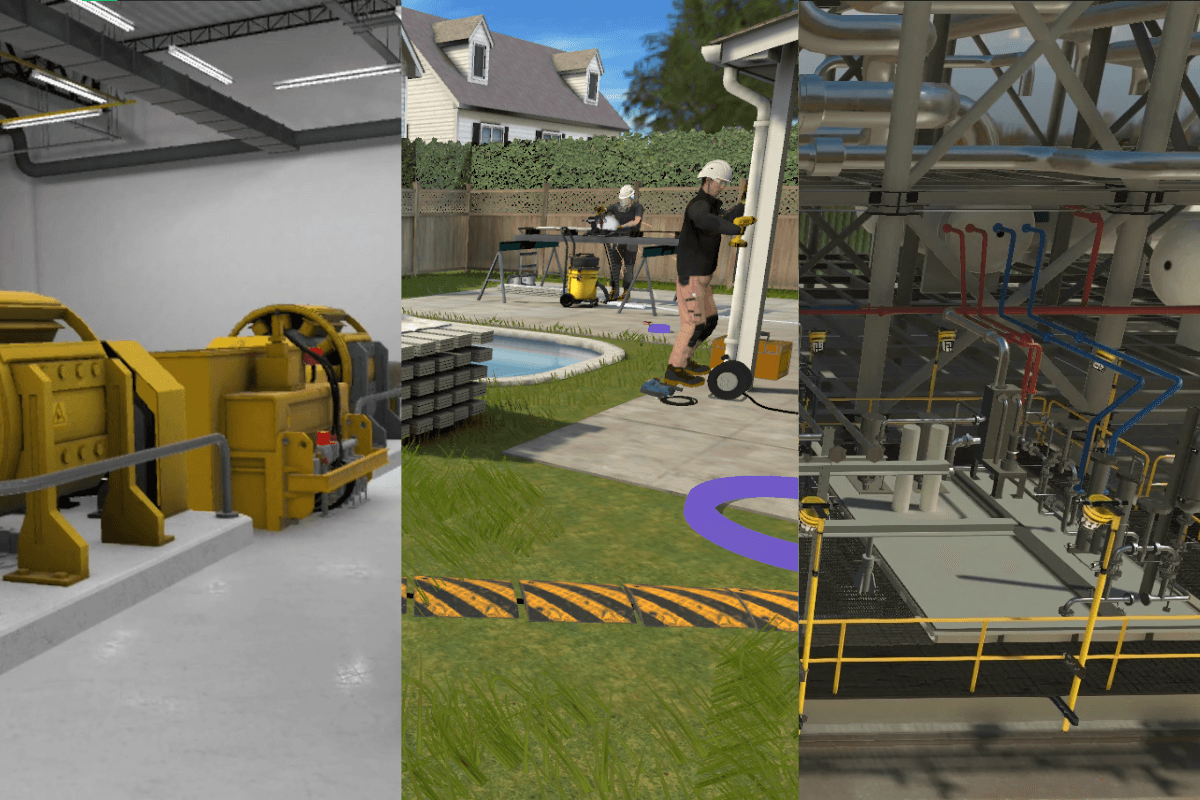
Step 2.) Determine Program Requirements for Supporting Elements
Beyond the core of your VR training content, you’ll need to define the required supporting elements that will make sure your VR Training program is a success.
2.1) Learning Management System (LMS) Integration If you already use an LMS, your VR training should seamlessly connect to it, allowing you to:
Track trainee progress and performance.
Store training records for compliance purposes.
Assign and schedule VR training alongside other learning modules.
If you don’t have an LMS, consider whether you need one to manage and analyze training data effectively.
2.2) Performance Metrics and Analytics To measure success, your VR training app should provide:
Completion Tracking: Monitor which employees have completed the training.
Knowledge Assessments: Test learning outcomes through quizzes or practical evaluations.
Performance Data: Capture reaction times, accuracy, or decision-making improvements.
This data helps justify ROI and refine future VR training programs.
2.3) Multi-User Capabilities Does your training require multiple participants to interact at once? If so, consider:
Real-Time Collaboration: For team-based training exercises.
Instructor-Led Sessions: Where trainers guide users in VR.
Remote Access: So employees in different locations can train together.
2.4) Accessibility and Scalability Your VR program should be designed to scale as your company grows. Ask yourself:
Will new training modules need to be added later?
Can employees access the training remotely, or is it location-based?
Do you need language options for international teams?
By planning these elements early, you ensure that your VR training investment is both future-proof and aligned with your business needs, and will be closer to understanding an accurate estimate of how much your first VR Training will cost you.
Step 3.) Choose the Right VR Hardware
Once you’ve identified your training needs, the next step is selecting the right combination of hardware and software to bring your VR training vision to life.
The choices you make here can significantly impact the effectiveness and longevity of your new VR training program.
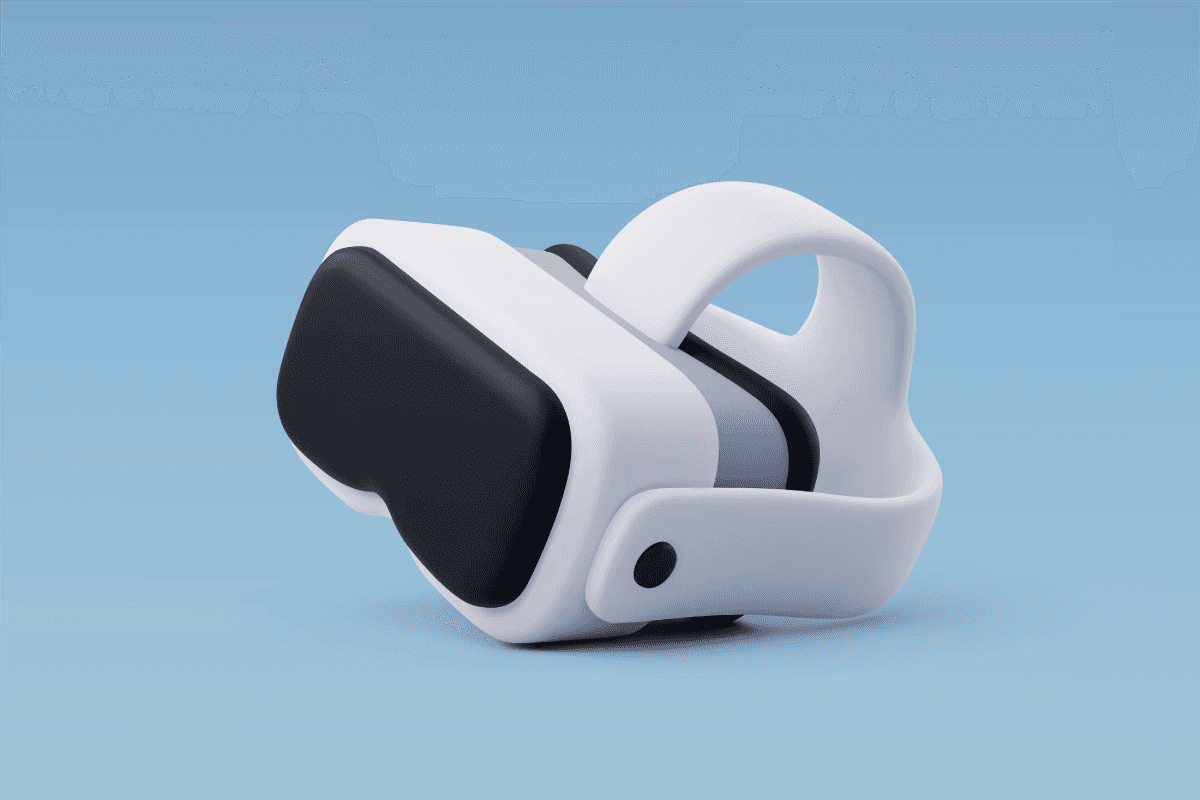
Your hardware choice should align with your training goals and environment. Here are a few key considerations:
Standalone Headsets (e.g., Meta Quest 3)
Ideal for flexibility and mobility, as they don’t require a PC or cables.
Great for training in dynamic or multi-location environments.
Best for straightforward simulations and moderate graphical requirements.
Standalone headsets are the most cost-efficient option.
PC-Tethered Headsets (e.g., HTC Vive Pro 2)
Offer high-fidelity graphics and detailed simulations.
Suitable for intensive training scenarios requiring maximum realism.
Typically used in fixed training facilities with VR-capable PCs.
Specialized Hardware (e.g., Motion Simulators, Custom-built replicas, Haptic Gloves)
Enhances realism for highly specialized training (like flight or vehicle simulation).
Often required for industries like aviation, heavy machinery, or logistics.
Can be highly expensive
For most businesses, standalone headsets offer the best value due to their ease of use, affordability, and portability, making them highly scalable. While untethered VR can result in lower visual fidelity compared to PC-tethered setups, the difference is usually minimal for most training applications.
In fact, the mid-range graphical quality of standalone headsets is still highly immersive, and most users won’t notice a significant drop in realism. Plus, many standalone options can be tethered to a PC when higher fidelity is needed, allowing for flexibility without needing a whole new setup.
If you’re interested in learning more, browse through our page sharing details on the best available VR headsets in 2025.
Step 4.) Develop or Outsource Your VR Training Development
The software should match both your technical requirements and training objectives, but you need to decide how you plan to acquire the VR training software. While the previous steps to getting started with VR training are important, this step makes everything very straightforward, because if you outsource to a good VR training supplier, they should be asking you these questions and using their experience to guide you to a successful VR training solution.
Below is all the information you might need to assist your decision.
4.1) Custom Training Solutions: Tailored to your exact training needs, built from the ground up.
Pros | Cons |
Incorporate your company's branding and protocols. | Higher upfront cost to fund the development of the program. |
Incorporate your company's branding and protocols. | Custom training solutions take time to design, develop and test, requiring a longer implementation time compared to ready-to-purchase options. |
Implement unique features that you can't request from an off-the-shelf solution. | Higher risk if you aren't well equipped with the knowledge needed for a successful investment. |
Future changes to your training program can be adapted in the VR training application. | |
Gain a competitive advantage by creating proprietary training programs setting your business apart from competition. |
Custom training solutions are usually the best option if you have a 5-7 figure budget and require something tailored to your business. This is the most powerful option out of the three, allowing you to make the training software your own and control every design decision.
Here’s a list of some of the best custom VR training providers to help you make an informed decision.
Alternatively, contact us at SHIIFT Training for your training solution. With extensive experience, a strong clientele, and a proven track record in training projects, we can deliver a successful VR training product with a high return on investment.
4.2) Off-the-Shelf Solutions: Pre-built VR training modules for common training scenarios (Often subscription-based).
Pros | Cons |
Faster deployment allows for training to begin almost immediately. | Lack of customization means the training program may not address your business’s specific challenges. |
No development expenses means a lower initial cost. | On-going subscription costs can add up, and are usually charged based on number of users/headsets which can add up overtime, for a less valuable product. |
Off-the-shelf solutions have an existing user-base, lending credibility to the effectiveness of the already existing product. | Many off-the-shelf vr training providers can be slightly dated due to being created for older technology. |
Subscription-based VR training providers often have a collection of relevant VR training that will be included in your plan. |
The one-size-fits-all approach is suitable for companies looking to dip their toes in the water and explore VR training before making a big investment in a custom training solution.
Uniquely, SHIIFT Training offers a hybrid approach, combining the best of both worlds. Some of our VR applications are designed with flexibility in mind, allowing the same or similar training products to be adapted for different businesses—blending the pros of fully custom and off-the-shelf solutions.
They come with a reduced initial investment cost compared to fully custom solutions but allow for some level of tailoring at a better rate, albeit with some compromise on customization compared to a program created from scratch.

Step 5.) Plan Your VR Training Rollout
Once you’ve decided on the needs of your virtual reality training program and how you’ll acquire it, it’s time to plan how you’ll introduce VR training to your business.
A well-structured rollout ensures smooth adoption, minimizes disruptions, and maximizes engagement from employees.
5.1) Start with a Pilot Program Test your VR training with a small group before full deployment. This helps gather feedback, fix issues, and measure effectiveness before scaling up.
If you’re working with SHIIFT to create your VR Training, you’ll usually have some feedback rounds and continuous communication throughout the development process to ensure the VR training solution we create for you, is perfect for you.
Identify issues early.
Gather feedback to refine the experience.
Measure initial effectiveness and adjust before scaling.
5.2) Set a Realistic Timeline Break your rollout into manageable phases:
Testing & Setup: Install hardware, configure software, and ensure network compatibility.
Onboarding & Training: Teach employees how to use VR and help trainers become comfortable facilitating sessions.
Full Deployment: Expand VR training across departments, locations, or job roles.
5.3) Prepare Employees for the Transition Not everyone is familiar with VR. Offer onboarding sessions, user guides, and IT support to help employees get comfortable.
Onboarding Sessions: Short hands-on training on using the VR system.
User Guides & FAQs: Simple documentation for common questions.
Technical Support: A dedicated contact for troubleshooting.
In-app Tutorial: When sourcing your product and defining requirements, ensure you include an in-app tutorial for new users. (Included in SHIIFT VR programs by default)
5.4) Training the Trainers Facilitators and managers should be comfortable guiding sessions, troubleshooting minor technical issues, and ensuring employees follow best practices during training. Consider creating a trainer handbook or short instructional module explaining how to use the VR training, and how they can help other new users.
5.5) Consider Physical Space Requirements
If you plan to have employees train in-office, ensure you have a dedicated area for VR training, with enough room for movement, proper ventilation, and minimal distractions to maximize safety and immersion. Generally, a 1×1 meter space is recommended as the minimum space for one VR training area (per person).
Step 6.) Measure Success and Gather Feedback of Your First VR Training
Tracking the effectiveness of your VR training ensures continuous improvement and a strong return on investment.

Completion Rates: How many employees successfully complete the training?
Knowledge Retention: Are employees retaining information better compared to traditional methods?
Performance Improvements: Are trainees applying skills effectively in real-world scenarios? Are employees making better decisions faster?
Surveys & Interviews: Collect employee opinions on engagement, usability, and how they feel overall about the VR training.
Pre- and Post-Training Assessments: Compare test scores from before you implemented VR Training to measure learning impact.
Use feedback and performance data to measure success and understand what needs refining in future VR training projects.
If you created the VR training with an in-house development team, or outsourced the project, you can address challenges, and introduce updates as needed by contacting your training provider.
Keeping training modules fresh ensures long-term success and relevance.
Common Challenges in Integrating VR Training to an Organization
Resistance to new tech:
Emphasize how VR improves learning, provide hands-on demos, and highlight success stories from similar industries.
Develop the VR Training for multiple platforms, so that employees that avoid VR have the option to use immersive training on the web or mobile, as they ease into using virtual reality.
Demonstrate by example, and encourage other employees. (i.e. In a classroom, demonstrate the VR training with your view displayed on a big screen, encourage employees to take turns using the application to ease them in and make them more comfortable.)
Motion Sickness & Comfort Concerns
Emphasize that modern headsets and VR development standards have highly increased comfort of headsets and reduced motion sickness.
Limit session duration per user. Trainees shouldn’t be using the training for prolonged periods of time, and are encouraged to take breaks if the headset starts getting uncomfortable.
Don’t cheap out on VR Headsets, if you use the older headsets you will have a worse experience. Meta Quest 2 and above should be suitable.
Technical Issues
Ensure your IT staff are available for troubleshooting.
If you’re a SHIIFT customer, get in touch and we will do our best to offer remote support.
Need More Help Getting Started With VR Training?
SHIIFT specializes in customized VR training solutions tailored to your industry. Check out our projects showcase and book a demo or consultation to see how VR training can work for your business.
We will assist you every step of the way to make sure you get VR Training solution that is effective and to your satisfaction, while also being available to answer any questions related to implementing training solutions for your business.
Solutions
Safety Training
Hazard recognition
Spot risks before incidents
/solutions/hazard-recognition-training
Solutions
Safety Training
Life-Saving Rules
Critical rules as decisions
/solutions/life-saving-rules-training
Solutions
Safety Training
Behavioral safety
Stop work authority, used
/solutions/behavioral-safety-training
Solutions
Safety Training
Hand safety
Fewer hand injuries
/solutions/hand-safety-training
Solutions
Safety Training
PPE selection & use
The right kit, worn right
/solutions/ppe-training
Solutions
Safety Training
H2S & gas awareness
The invisible hazard, visible
/solutions/h2s-gas-awareness-training
Solutions
Safety Training
Fire & emergency response
Beyond the routine drill
/solutions/fire-safety-emergency-response-training
Solutions
Safety Training
Toolbox talks
Five strong minutes weekly
/solutions/toolbox-talk-content
Solutions
Safety Training
Permit to work
PTW judgment scenarios
/solutions/permit-to-work-training
Solutions
Safety Training
Isolation & LOTO
Safe energy isolation
/solutions/isolation-lockout-tagout-training
Solutions
Safety Training
Confined space entry
Entries and rescue response
/solutions/confined-space-entry-training
Solutions
Safety Training
Working at height
Falls and dropped objects
/solutions/working-at-height-training
Solutions
Safety Training
Lifting & rigging
Safer critical lifts
/solutions/lifting-rigging-training
Solutions
Safety Training
Hot work
Sparks under control
/solutions/hot-work-training
Solutions
Safety Training
Line of fire
See the energy path
/solutions/line-of-fire-training
Solutions
Safety Training
Driver safety
Safer driving and journeys
/solutions/driver-safety-training
Solutions
Safety Training
Electrical safety
Safe isolation, arc flash aware
/solutions/electrical-safety-training
Solutions
Safety Training
Excavation work
Trenches and buried services
/solutions/excavation-safety-training
Solutions
Safety Training
Ergonomics
Strain prevention that sticks
/solutions/ergonomics-training
Solutions
Safety Training
Situational awareness
Noticing change on site
/solutions/situational-awareness-training
Solutions
Onboarding & People
Site orientation
Inductions before day one
/solutions/site-orientation-onboarding
Solutions
Onboarding & People
Expatriate workforce
Localized multilingual training
/solutions/expatriate-workforce-training
Solutions
Onboarding & People
Visitor inductions
Pre-arrival essentials
/solutions/visitor-induction-training
Solutions
Onboarding & People
Leadership training
Judgment, developed
/solutions/leadership-training
Solutions
Onboarding & People
Soft skills
Conversations that work
/solutions/soft-skills-training
Solutions
Onboarding & People
Safety leadership
Frontline supervisor skills
/solutions/safety-leadership-training
Solutions
Onboarding & People
Human factors
Error traps and defenses
/solutions/human-factors-training
Solutions
Operations & Technical
Process & procedures
Step-by-step competence
/solutions/process-procedure-training
Solutions
Operations & Technical
Operational readiness
Ready before start-up
/solutions/operational-readiness
Solutions
Operations & Technical
Technical training
Complex systems explained
/solutions/technical-training
Solutions
Operations & Technical
Control room & DCS
Alarms and upset response
/solutions/control-room-training
Solutions
Operations & Technical
Crane operation
Operators, banksmen, supervisors
/solutions/crane-operation-training
Solutions
Operations & Technical
Forklift operation
Operators, pedestrians, supervisors
/solutions/forklift-operation-training
Solutions
Operations & Technical
Maintenance & turnarounds
Outage preparation
/solutions/maintenance-turnaround-training
Solutions
Operations & Technical
Process safety
Barriers made visible
/solutions/process-safety-training
Solutions
Compliance & Modernization
Lessons learned (LFI)
Incidents into training
/solutions/lessons-learned-training
Solutions
Compliance & Modernization
Spill response
Environmental first response
/solutions/spill-response-training
Solutions
Compliance & Modernization
Hazardous materials
Storage, handling, transport
/solutions/hazardous-materials-training
Solutions
Compliance & Modernization
Security awareness
Physical and cyber vigilance
/solutions/security-awareness-training
Services
Content Production
Training Videos
Filmed through our global crew network
/services/workplace-safety-training-videos
A safety orientation film produced for Milestone Environmental Services.

Services
Content Production
2D & 3D Animation
Engineering-accurate visuals
/services/2d-3d-animation
From a 3D animation built to supplement an ADNOC e-learning module.

Services
Content Production
Safety Campaigns
Sustained behavior change
/services/safety-campaigns
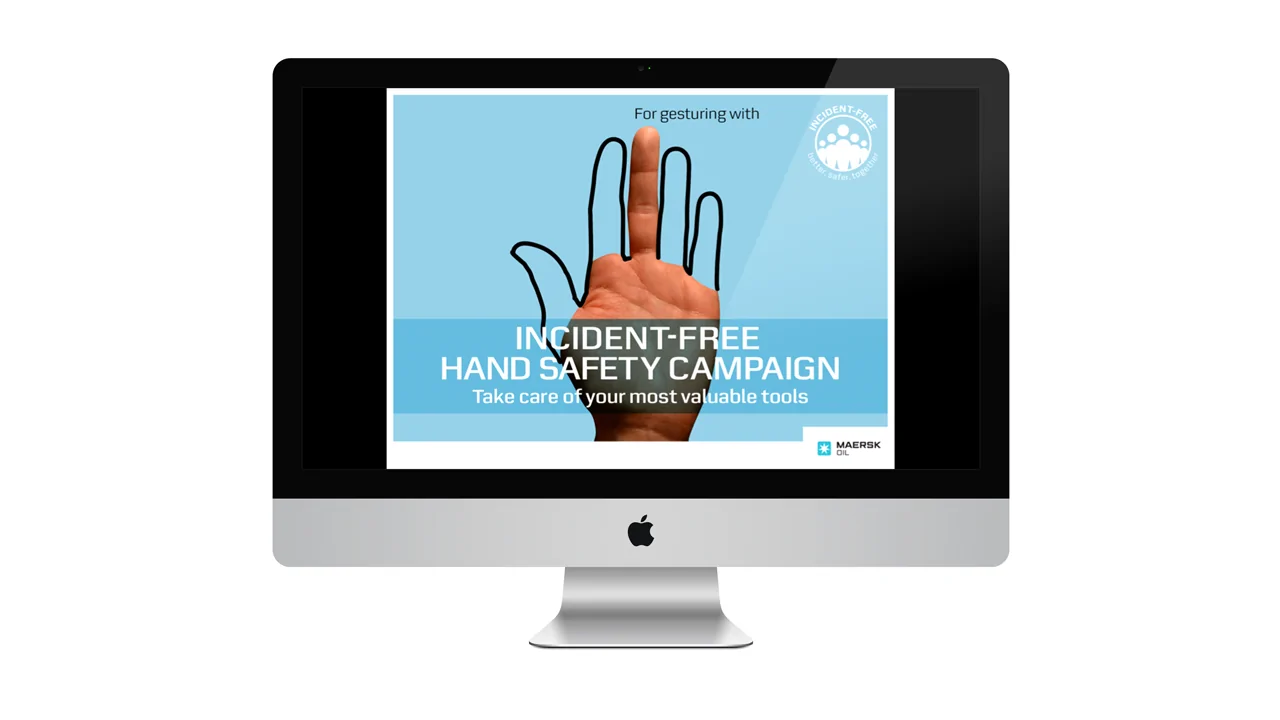
The award-recognized Maersk hand safety campaign.
Services
Content Production
Training posters & print
Site-specific print & visual aids
/services/training-posters
A printed lessons learned handbook produced for Petroleum Development Oman.

Services
Content Production
PowerPoint Materials
Trainer-led deck rebuilds
/services/powerpoint-training-materials
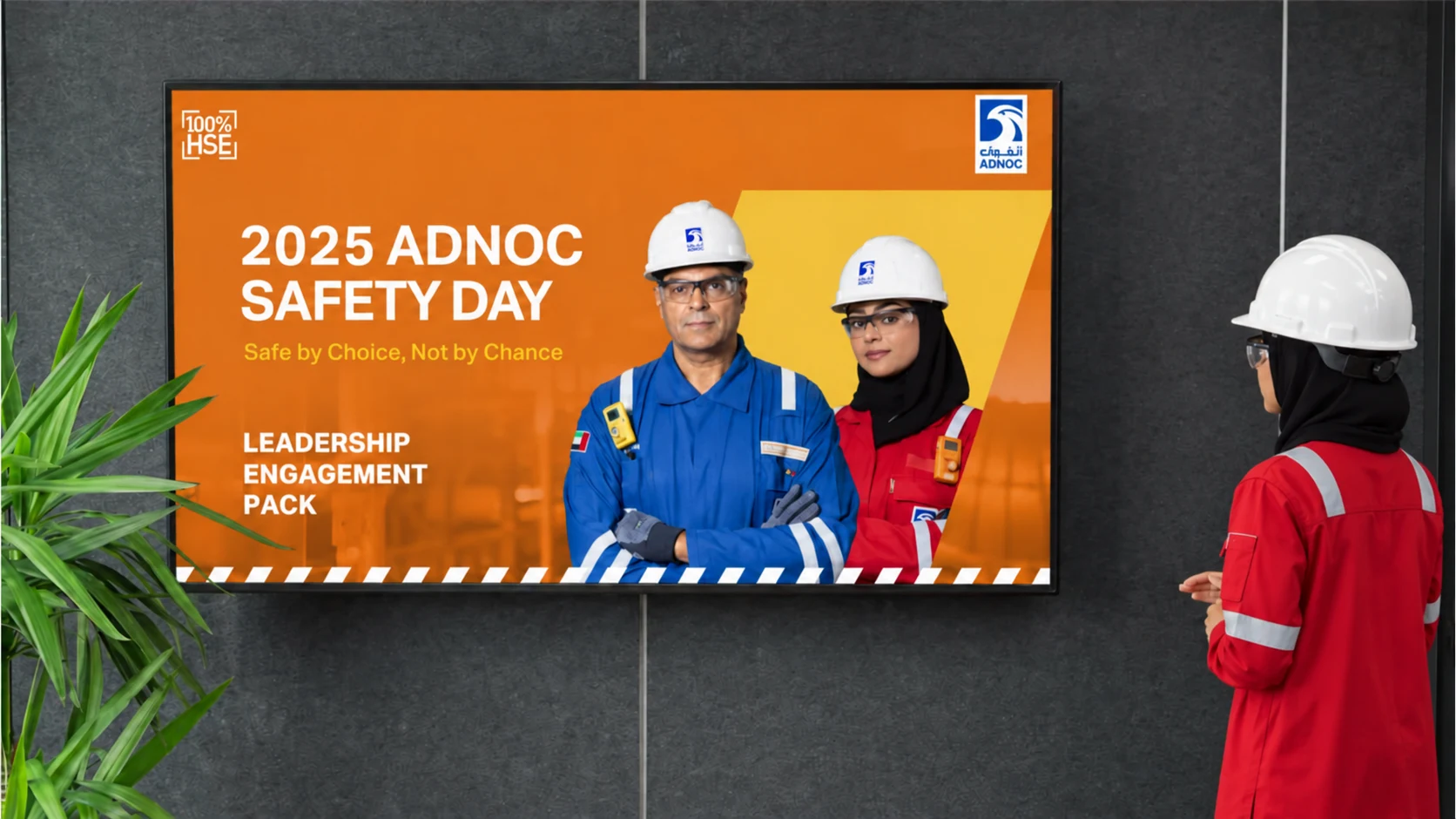
Presenting an ADNOC Safety Day engagement deck.
Services
Interactive Training
E-Learning
SCORM online modules
/services/e-learning
Scenario questions inside a client e-learning module.

Services
Interactive Training
Virtual Reality (VR)
Immersive headset training
/services/virtual-reality-vr-training
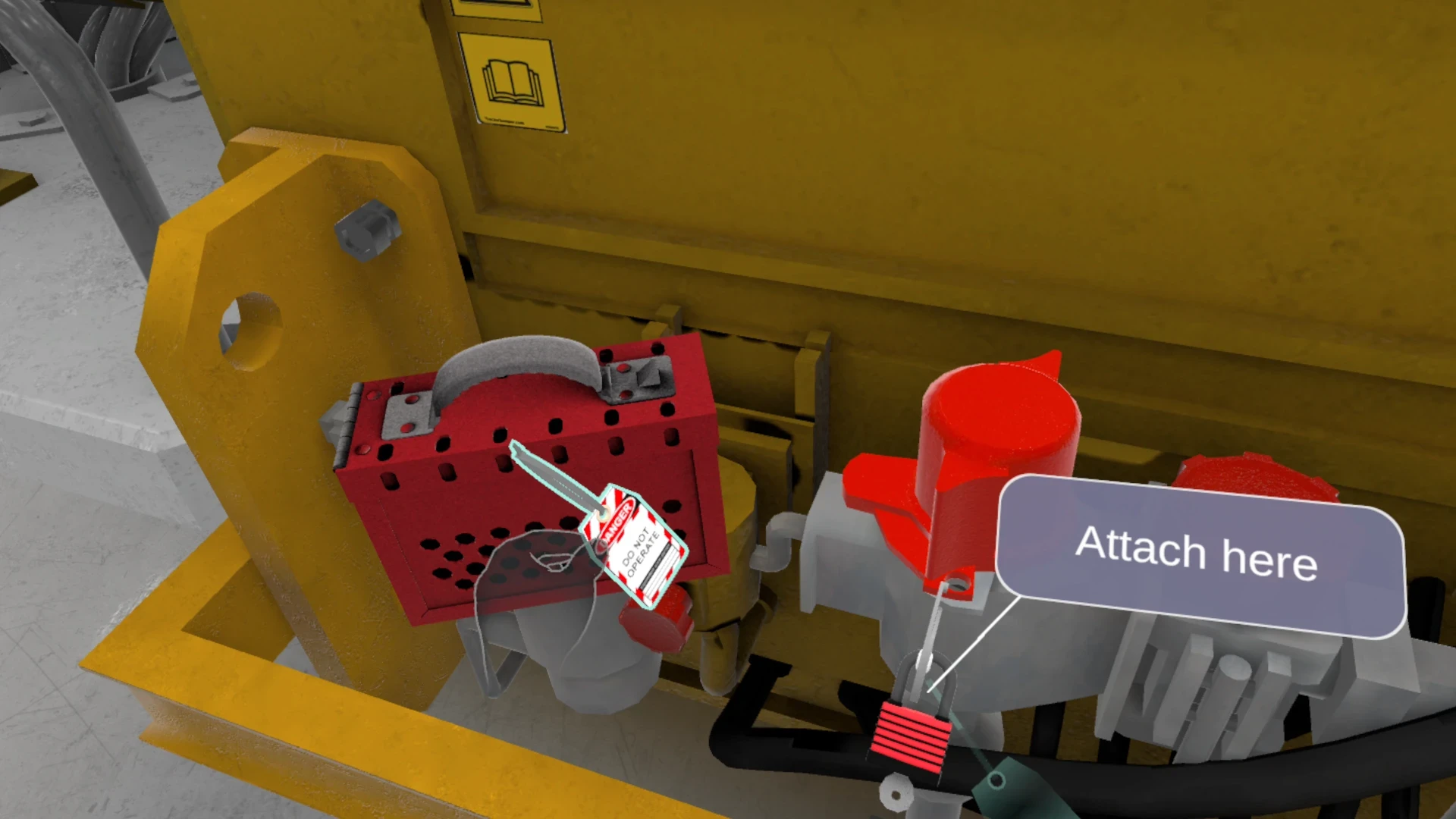
Lockout tagout training with full hand tracking in VR.
Services
Interactive Training
Flat-Screen Simulations
Desktop, web & mobile simulations
/services/flat-screen-simulation-training
SHIIFT simulations running on laptops and mobile devices.

Services
Interactive Training
Digital Twins
Navigable sites & equipment
/services/digital-twins
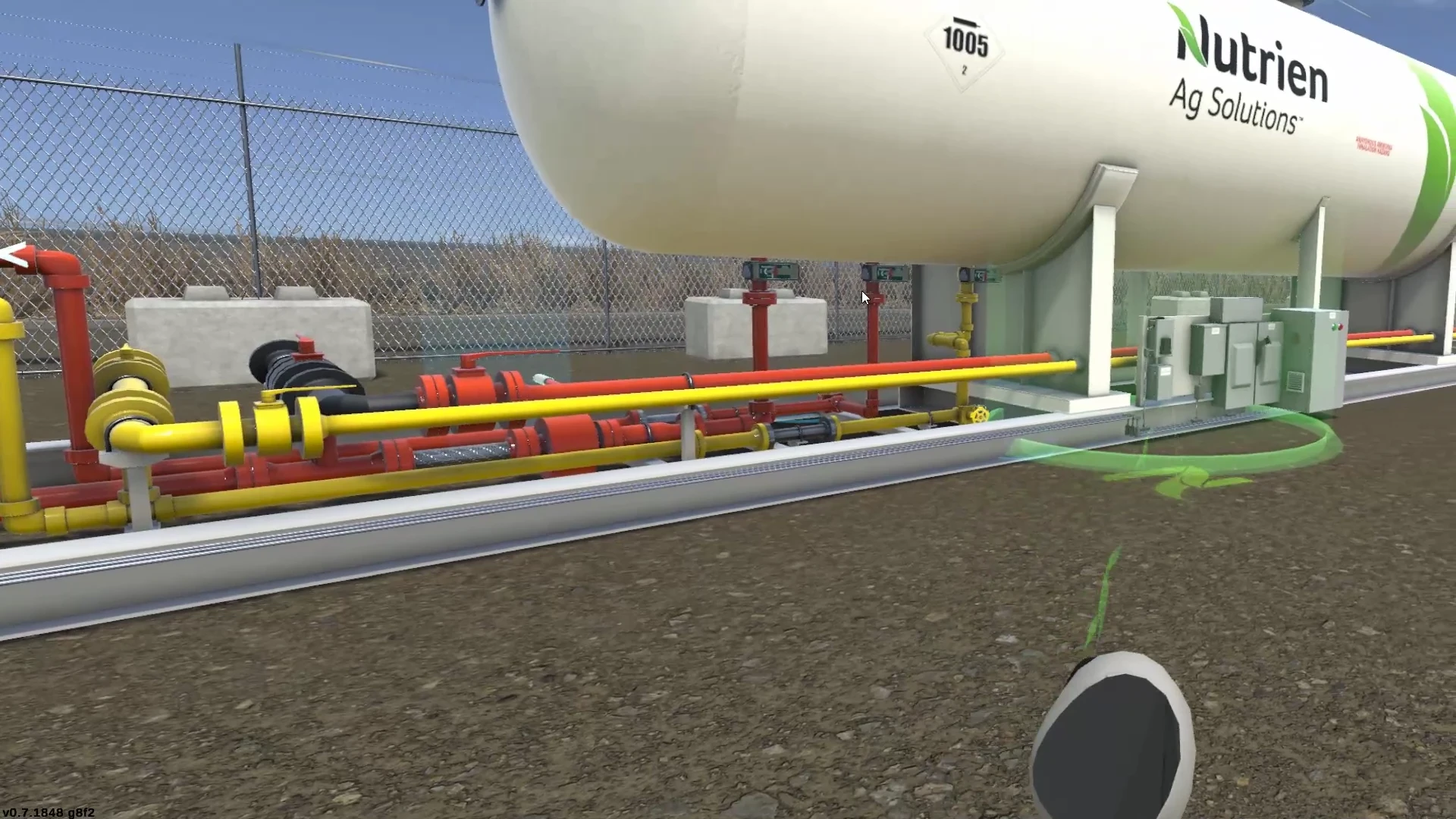
A navigable 3D replica of Nutrien's ammonia transfer plant.
Approach
How We Work
Our approach
Analysis, design, delivery, validation
/approach
Approach
How We Work
SCORM & LMS Integration
Tracking in your systems
/services/scorm-lms-integration
Approach
How We Work
Scenario-Based Assessments
Competency you can prove
/services/scenario-based-assessments