Should this be a video, an e-learning course, a simulation or a set of posters for the break room wall? The question comes up at the start of a training project, and the answer is easier to reach once the audience and the risk are clear.
What training formats are available?
For safety and technical training in high-risk industries, the options fall into a fairly stable set:
Training videos, filmed in live action on site or in a studio
2D and 3D animation
E-learning courses that combine media with questions and assessment
Interactive desktop simulations that run on a standard PC or in a browser
Virtual reality (VR) on headsets
Posters, leaflets, pocket cards and other print
Presentation materials, such as slide decks and facilitator notes for supervisor-led sessions
None of these is the right answer by default. Each one works well under some conditions and causes problems under others, and those conditions come from your program.
What should decide the training format?
OSHA's Resource for Development and Delivery of Training to Workers recommends a systematic process that starts with a needs assessment and learning objectives before any course design begins. The format decision belongs inside that design step. These are the factors that shape it.
Risk level and the cost of getting it wrong
Ask what happens if a learner misunderstands. For a housekeeping reminder, the answer might be a cluttered walkway. For an isolation procedure or a response to a gas release, it could be a fatality. Higher consequences justify more effort on checking understanding and on letting people make decisions in a safe setting before they make them on site. They don't automatically justify a more expensive format. A well-structured supervisor session with an observed sign-off can be the right call for a high-risk task.
Audience and job roles
New hires, experienced operators, contractors on a two-week mobilization, office staff who visit site twice a year and supervisors who'll pass the message on to others all need different depth. A single audience makes the choice simpler. A mixed audience can point toward a modular program, where everyone shares a core and each role adds its own sections.
Literacy and language
The OSHA training standards policy statement says required training must use a language and vocabulary workers can understand, and that telling workers to read training materials won't satisfy the obligation where literacy is limited. OSHA's guide to developing and delivering worker training suggests methods that need fewer literacy skills, including photos, pictures, demonstrations, case studies and hands-on activities. For a workforce with many first languages or mixed reading levels, this points toward visual content, plain wording, voiceover in several languages and assessments that don't depend on reading long questions. Any of the formats above can be built this way, as long as on-screen text isn't carrying the message.
When Dubai Airports needed to train 90,000 employees of many nationalities, the brief put visuals ahead of text. The result was an e-learning platform of six modules, including a testing module, made available in four languages.
Delivery setting and connectivity
Where will people take the training? It might be a classroom at a training center, a crew room offshore, a tablet in a truck cab, a phone on a remote well pad or a laptop at home before mobilization. Each setting limits what's possible. Remote sites may have weak or no internet, so streamed video and cloud-hosted courses may need offline versions. Headset-based training needs space, charging, cleaning between users and someone to manage the equipment. Print needs no device at all.
How often the content changes
Procedures get revised and equipment gets replaced. If the content will change every year, look at how each format handles edits. Changing a voiceover line or a quiz question is quick. Reshooting a scene because a plant layout changed means another film day on site. Animation and simulation assets can be edited, but the effort depends on how they were built. Asking for editable source files and a modular structure at the start makes later changes cheaper.
Budget over the life of the program
Compare cost per learner over the expected life of the material, including updates, hosting, hardware and the time people spend away from work to take the training. A cheaper production can cost more over time if it needs a trainer in the room for every session. A more expensive one can work out cheaper per head across thousands of learners. The custom e-learning cost guide breaks down what drives the price of a course.
The need for assessment and records
Some training only needs to inform. Other training needs evidence that each person understood it. OSHA's Process Safety Management standard (29 CFR 1910.119), for example, requires employers to keep a training record for each employee that includes the means used to verify understanding. If you need scored assessments and completion records, plan for them at the start. Digital courses and simulations can store results and can be sent to an LMS through SCORM (see how to upload a SCORM package to an LMS). A lighter route is a web deployment that logs results to a spreadsheet. Supervisor-led sessions can be assessed through observation and a signed checklist.
Strengths and limits of each training format
Whether a given strength or limit matters depends on the factors above.
Training videos and live action
Filmed content shows the actual site and the people who work there, so learners recognize what they see. Leaders and peers on camera carry authority, and a finished video plays on almost any screen without special hardware or setup. A long film can also be cut into shorter clips for briefings. The limits: filming needs site access, permits, escorts and time around operations, and a change to the site or the procedure can mean reshooting. A linear video also doesn't check understanding by itself, so it needs questions or an assessment built around it where you need evidence.
2D and 3D animation
Animation can show things a camera can't, such as gas spreading through a plant, the inside of a vessel, the path of a dropped object or the moments before an incident, without staging anything dangerous. It can be made without dialogue or revoiced in several languages, and characters can be designed to represent a diverse workforce. The limits: a stylized look can feel less site-specific unless the environments are modeled on your facility, and detailed 3D modeling takes time at the start of a project.
E-learning
E-learning is self-paced and can store completion and scores alongside its questions. Everyone gets the same content wherever they take it. The limits: learners need a device and access, and a course built mostly from text and "next" buttons is hard to follow for people with low literacy and gives other learners little to interact with. Hosting, LMS integration through SCORM, translation and later content updates all add work that should be scoped early.
Interactive desktop simulation
Desktop simulations let learners make decisions and see the consequences, on a standard PC or in a browser with no special hardware. Each choice can be scored. The limits: development effort is higher than for linear media, and scenario design needs time from your subject-matter experts. A mouse and keyboard also aren't the same as handling real tools, and learners with little computer experience may need help with the controls. The article on immersive training simulations without VR covers this format in more depth.
Virtual reality
In VR, the learner stands inside a full-scale 3D environment where they can move around and handle virtual equipment, including in scenarios that couldn't be staged for real. The limits: headsets need charging, cleaning, storage and a supervised space. Fewer people can train at once than on a screen. Some users feel discomfort in a headset, and first-time users need an introduction to the controls before the training content starts.
Posters and print
Print needs no device and can sit at the point of work, where the decision is made. It's also cheap to reprint and translate. The limits: print can't check understanding, and it fades into the background if it stays on the same wall unchanged for months.
Presentation materials
Slide decks and facilitator notes support supervisor-led sessions where people can ask questions and talk through local examples. They have low technical requirements. The limits: quality and consistency depend on the presenter, and it's harder to show what each person took away without an added assessment.
Can a training program blend formats?
A program can combine several formats, chosen so that each one covers a gap the others leave. A contractor induction, for instance, might combine a site film, an e-learning module with a short assessment, a pocket card and a supervisor briefing at the gate. The article on blended learning for workplaces looks at combining methods in more detail.
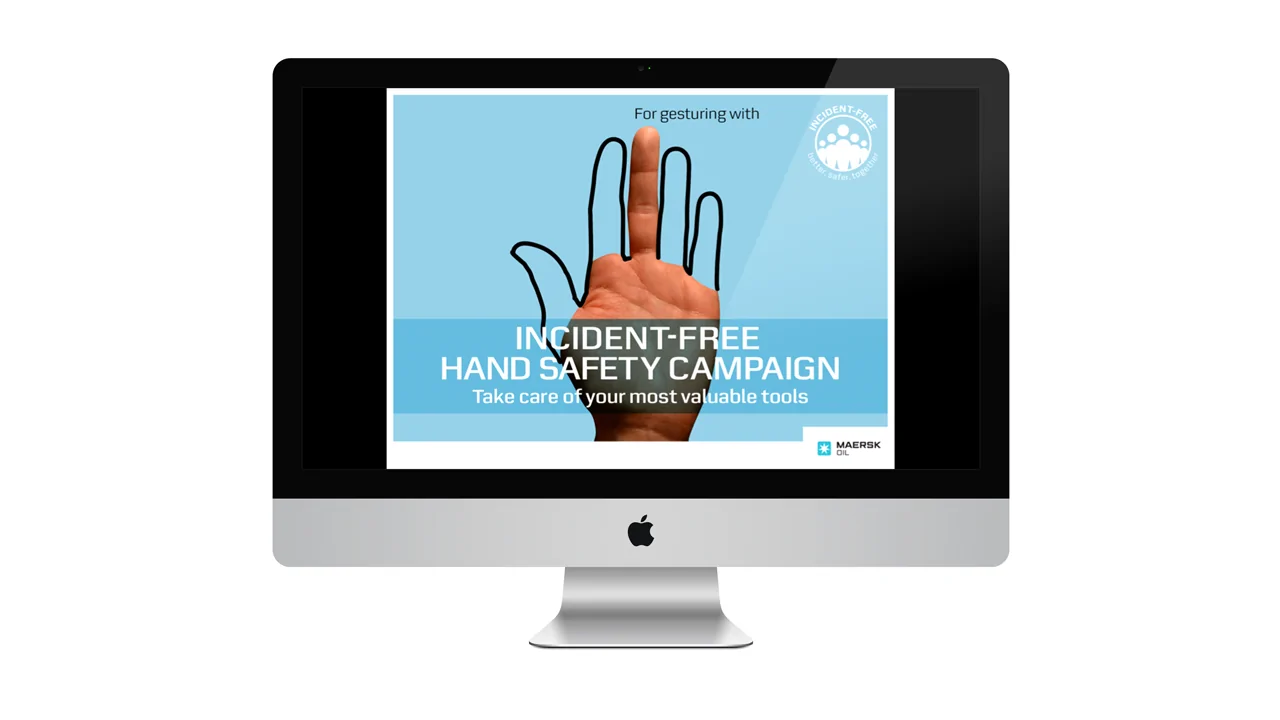
A blend also lets one message reach audiences with different needs. When Maersk Oil set out to reduce hand injuries among offshore workers, onshore roles, office staff and contractors, the Maersk Oil hand safety campaign paired a presentation that safety coaches could tailor to each audience with a poster series.
Common mistakes when choosing a training format
Format decisions go wrong in recognizable ways. Each of these is avoidable if it's caught before production starts:
Choosing the format before writing the learning objectives, then shaping the content to fit the medium
Comparing production quotes instead of cost per learner over the life of the program, including updates and the hours people spend in training
Treating a high completion rate as proof of understanding, when nothing in the course checks what people can actually do
Building a text-heavy course for a workforce with mixed literacy, then translating the text and expecting the problem to go away
Planning for launch day and forgetting the procedure revision six months later
Skipping the pilot, so the first real test of the training is the full rollout
A checklist for making the decision
Write the learning objectives first: what should people do differently after the training?
Profile the audience by role, language, literacy, numbers and location.
Map the delivery setting: devices, connectivity, time available and who will supervise.
Decide what evidence you need, whether that's completion records, scores, observed competence or a signed checklist.
Estimate how often the content will change and how long the program needs to run.
Shortlist the formats that fit all of the above, then compare cost per learner across the life of the program.
Pilot with a small group from the real audience and check their understanding before rolling out. The OSHA worker training resource also recommends evaluating training to see whether it's having the desired results.
Working through these steps can rule formats out quickly. A workforce with no reliable connectivity and low literacy, for example, narrows the field before budget comes up.
Solutions
Safety Training
Hazard recognition
Spot risks before incidents
/solutions/hazard-recognition-training
Solutions
Safety Training
Life-Saving Rules
Critical rules as decisions
/solutions/life-saving-rules-training
Solutions
Safety Training
Behavioral safety
Stop work authority, used
/solutions/behavioral-safety-training
Solutions
Safety Training
Hand safety
Fewer hand injuries
/solutions/hand-safety-training
Solutions
Safety Training
PPE selection & use
The right kit, worn right
/solutions/ppe-training
Solutions
Safety Training
H2S & gas awareness
The invisible hazard, visible
/solutions/h2s-gas-awareness-training
Solutions
Safety Training
Fire & emergency response
Beyond the routine drill
/solutions/fire-safety-emergency-response-training
Solutions
Safety Training
Toolbox talks
Five strong minutes weekly
/solutions/toolbox-talk-content
Solutions
Safety Training
Permit to work
PTW judgment scenarios
/solutions/permit-to-work-training
Solutions
Safety Training
Isolation & LOTO
Safe energy isolation
/solutions/isolation-lockout-tagout-training
Solutions
Safety Training
Confined space entry
Entries and rescue response
/solutions/confined-space-entry-training
Solutions
Safety Training
Working at height
Falls and dropped objects
/solutions/working-at-height-training
Solutions
Safety Training
Lifting & rigging
Safer critical lifts
/solutions/lifting-rigging-training
Solutions
Safety Training
Hot work
Sparks under control
/solutions/hot-work-training
Solutions
Safety Training
Line of fire
See the energy path
/solutions/line-of-fire-training
Solutions
Safety Training
Driver safety
Safer driving and journeys
/solutions/driver-safety-training
Solutions
Safety Training
Electrical safety
Safe isolation, arc flash aware
/solutions/electrical-safety-training
Solutions
Safety Training
Excavation work
Trenches and buried services
/solutions/excavation-safety-training
Solutions
Safety Training
Ergonomics
Strain prevention that sticks
/solutions/ergonomics-training
Solutions
Safety Training
Situational awareness
Noticing change on site
/solutions/situational-awareness-training
Solutions
Onboarding & People
Site orientation
Inductions before day one
/solutions/site-orientation-onboarding
Solutions
Onboarding & People
Expatriate workforce
Localized multilingual training
/solutions/expatriate-workforce-training
Solutions
Onboarding & People
Visitor inductions
Pre-arrival essentials
/solutions/visitor-induction-training
Solutions
Onboarding & People
Leadership training
Judgment, developed
/solutions/leadership-training
Solutions
Onboarding & People
Soft skills
Conversations that work
/solutions/soft-skills-training
Solutions
Onboarding & People
Safety leadership
Frontline supervisor skills
/solutions/safety-leadership-training
Solutions
Onboarding & People
Human factors
Error traps and defenses
/solutions/human-factors-training
Solutions
Operations & Technical
Process & procedures
Step-by-step competence
/solutions/process-procedure-training
Solutions
Operations & Technical
Operational readiness
Ready before start-up
/solutions/operational-readiness
Solutions
Operations & Technical
Technical training
Complex systems explained
/solutions/technical-training
Solutions
Operations & Technical
Control room & DCS
Alarms and upset response
/solutions/control-room-training
Solutions
Operations & Technical
Crane operation
Operators, banksmen, supervisors
/solutions/crane-operation-training
Solutions
Operations & Technical
Forklift operation
Operators, pedestrians, supervisors
/solutions/forklift-operation-training
Solutions
Operations & Technical
Maintenance & turnarounds
Outage preparation
/solutions/maintenance-turnaround-training
Solutions
Operations & Technical
Process safety
Barriers made visible
/solutions/process-safety-training
Solutions
Compliance & Modernization
Lessons learned (LFI)
Incidents into training
/solutions/lessons-learned-training
Solutions
Compliance & Modernization
Spill response
Environmental first response
/solutions/spill-response-training
Solutions
Compliance & Modernization
Hazardous materials
Storage, handling, transport
/solutions/hazardous-materials-training
Solutions
Compliance & Modernization
Security awareness
Physical and cyber vigilance
/solutions/security-awareness-training
Services
Content Production
Training Videos
Filmed through our global crew network
/services/workplace-safety-training-videos
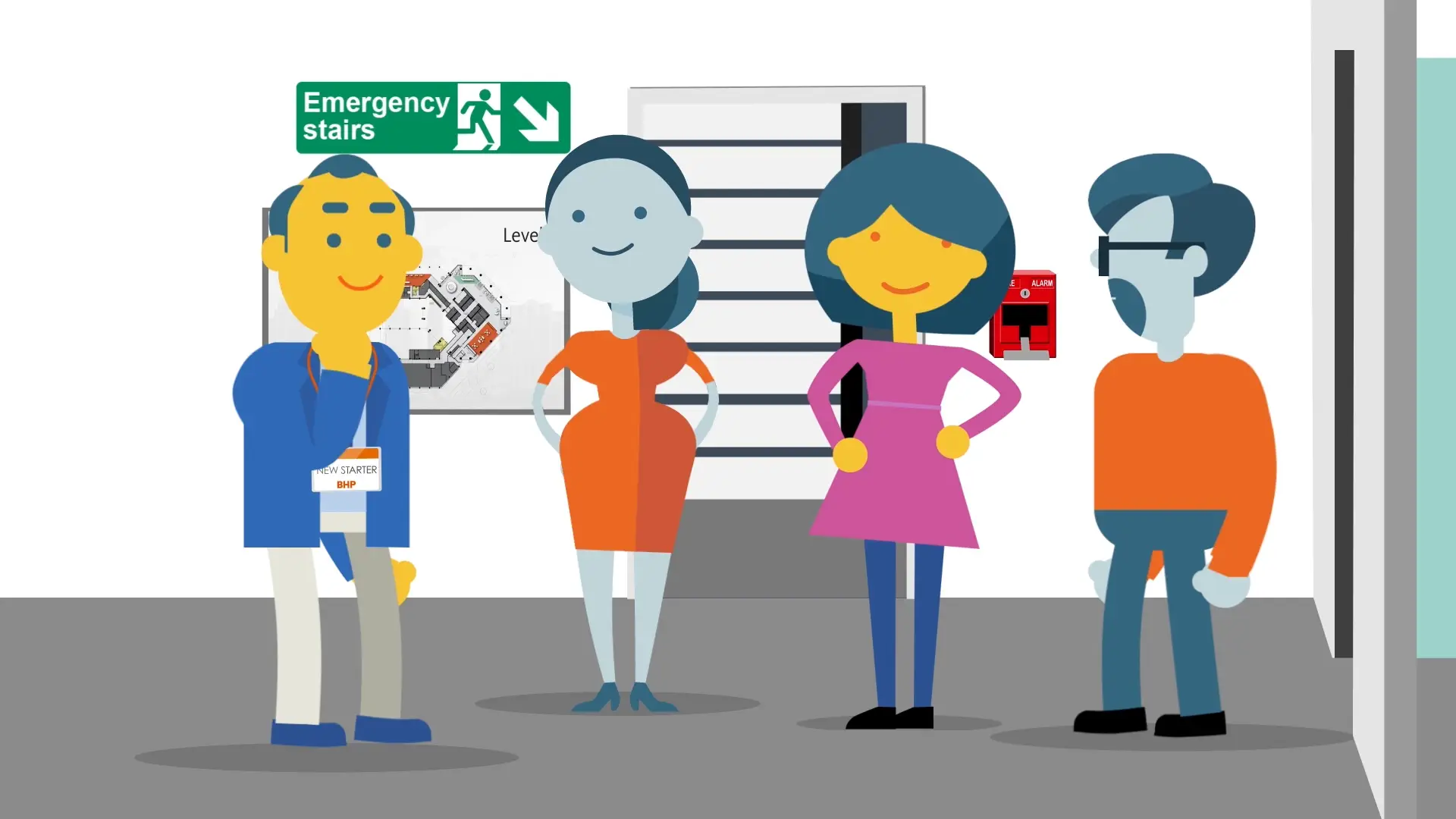
A safety orientation film produced for Milestone Environmental Services.

Services
Content Production
2D & 3D Animation
Engineering-accurate visuals
/services/2d-3d-animation
From a 3D animation built to supplement an ADNOC e-learning module.

Services
Content Production
Safety Campaigns
Sustained behavior change
/services/safety-campaigns
The award-recognized Maersk hand safety campaign.
Services
Content Production
Training posters & print
Site-specific print & visual aids
/services/training-posters
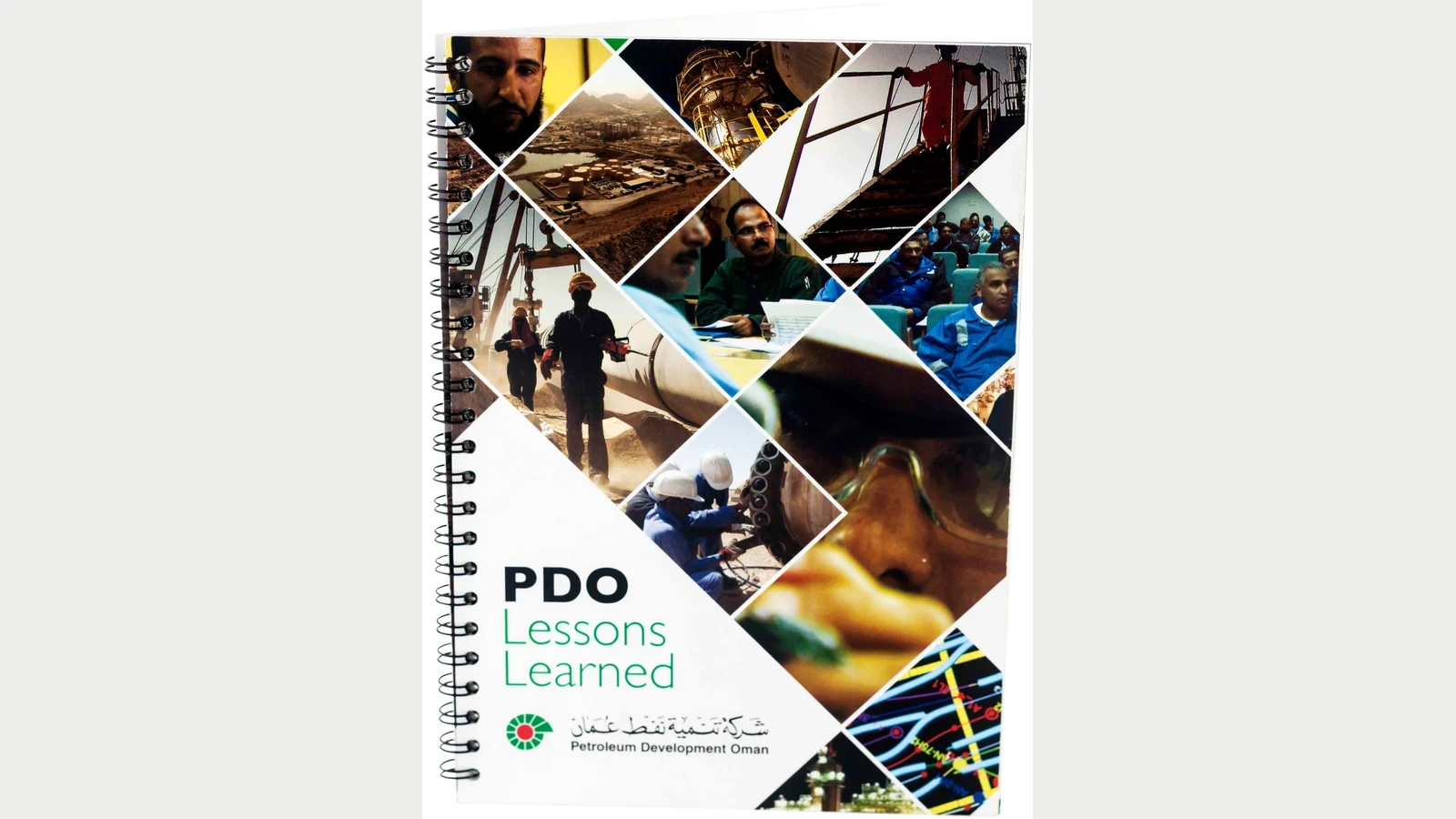
A printed lessons learned handbook produced for Petroleum Development Oman.
Services
Content Production
PowerPoint Materials
Trainer-led deck rebuilds
/services/powerpoint-training-materials
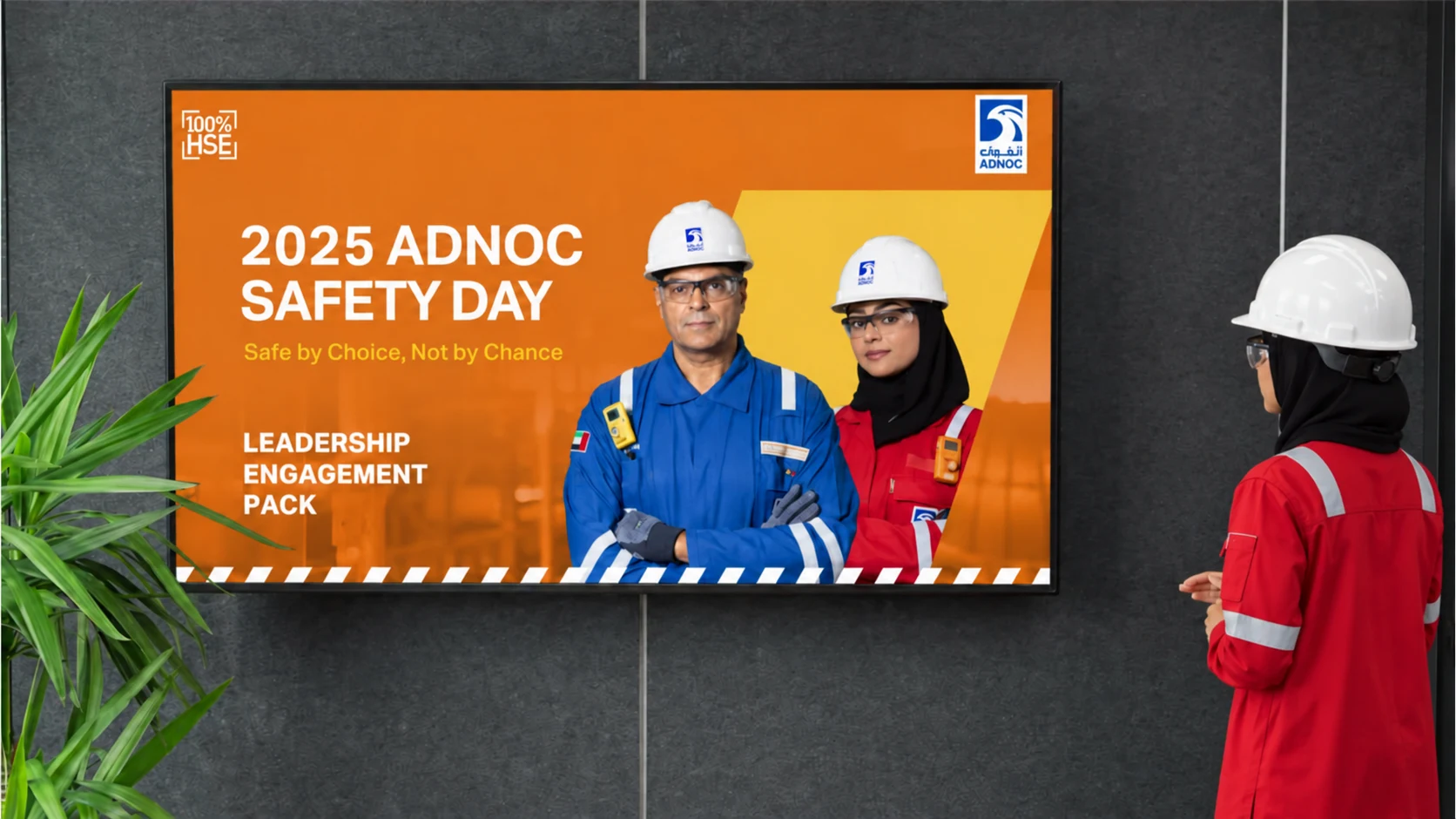
Presenting an ADNOC Safety Day engagement deck.
Services
Interactive Training
E-Learning
SCORM online modules
/services/e-learning
Scenario questions inside a client e-learning module.

Services
Interactive Training
Virtual Reality (VR)
Immersive headset training
/services/virtual-reality-vr-training
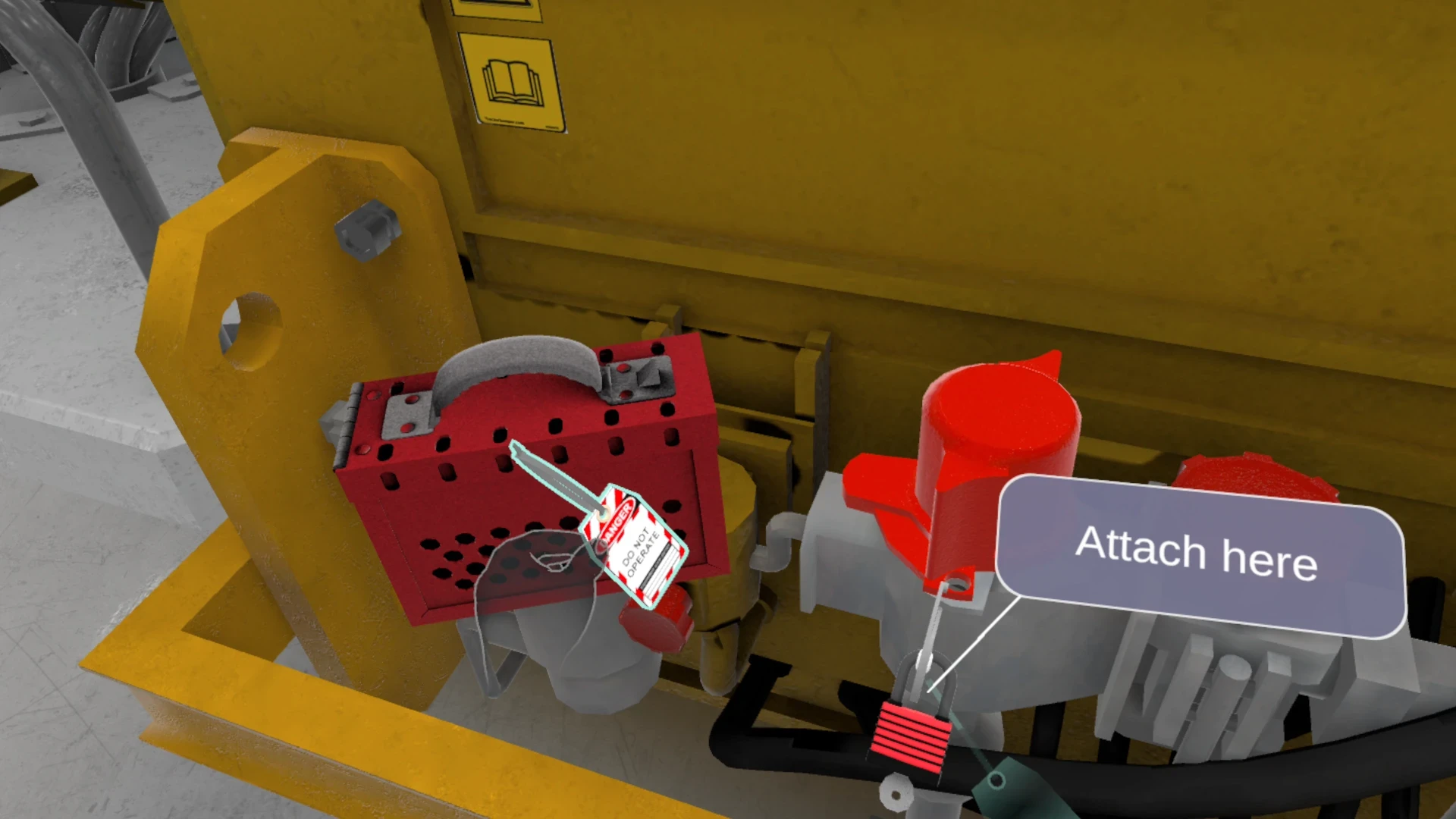
Lockout tagout training with full hand tracking in VR.
Services
Interactive Training
Flat-Screen Simulations
Desktop, web & mobile simulations
/services/flat-screen-simulation-training
SHIIFT simulations running on laptops and mobile devices.

Services
Interactive Training
Digital Twins
Navigable sites & equipment
/services/digital-twins
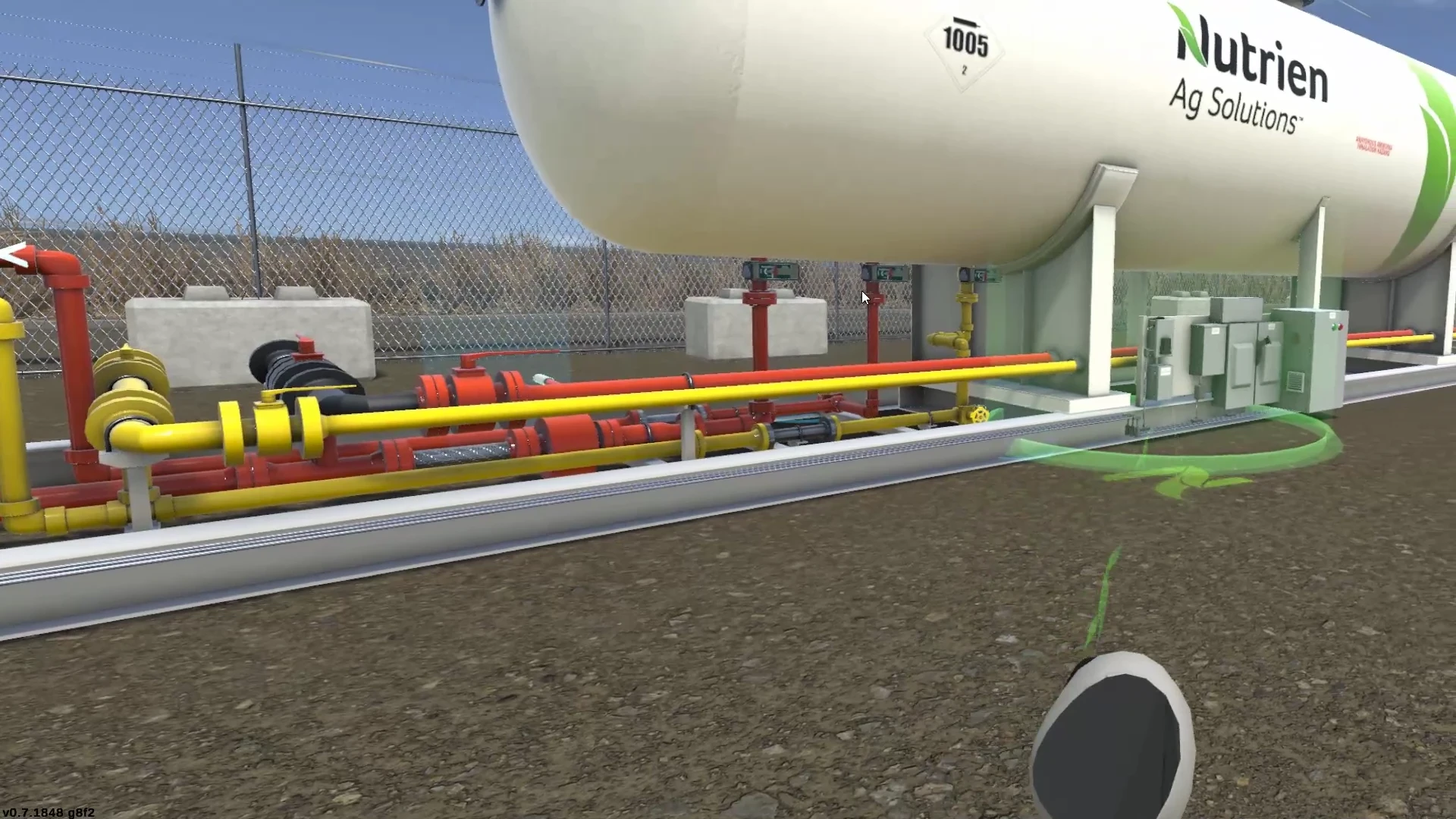
A navigable 3D replica of Nutrien's ammonia transfer plant.
Approach
How We Work
Our approach
Analysis, design, delivery, validation
/approach
Approach
How We Work
SCORM & LMS Integration
Tracking in your systems
/services/scorm-lms-integration
Approach
How We Work
Scenario-Based Assessments
Competency you can prove
/services/scenario-based-assessments