Send us a message
We would like to learn more about your challenges and to understand how we can support you.
Get in touch.
Send us a message and we’ll get
back to you within 48 hours.
Alternatively, email
hello@shiifttraining.com
In today’s fast-paced learning environment, e-learning authoring software is the engine behind most digital training experiences. These tools allow instructional designers, corporate training teams, and educators to create interactive, multimedia-rich courses that engage learners and support measurable outcomes. The right platform can drastically improve course engagement, content quality, and overall training effectiveness.
This article highlights the five e-learning authoring tools listed in no particular order, evaluated across five key criteria: cost, ease of use, course quality, feature set, and support/community strength.
An e-learning authoring tool is software that enables the creation of digital learning content such as online courses, quizzes, simulations, and interactive modules. These tools allow instructional designers, trainers, and subject matter experts to build professional-quality training without coding from scratch.
Authoring tools often include prebuilt templates, multimedia support, and interactivity options, while producing outputs compatible with learning management systems (LMS) using standards like SCORM or xAPI.
Depending on the tool, creators can develop everything from simple slide-based courses to complex branching scenarios, software simulations, and immersive learning experiences.
With dozens of authoring tools on the market, defining what makes one “best” depends on more than popularity or brand recognition. The tools in this list are evaluated based on how well they balance capability, usability, and long-term value for professional training environments. Rather than focusing on a single factor, the assessment considers how each tool performs across multiple criteria that directly affect course quality, development efficiency, and scalability.
1. Cost
We evaluated cost based on subscription fees, license options, and overall value for features. Additional considerations include whether pricing includes updates, support, and secure cloud access.
2. Ease of Use
A great authoring tool should be intuitive for both designers and non-technical users. We looked at interface design, built-in templates, and the learning curve required to create complete courses.
3. Course Quality
The best e-learning tools enable interactive, multimedia-rich, and responsive courses. We reviewed how each platform handles animations, assessments, and exports (SCORM, xAPI, or HTML5).
4. Feature Set
We compared advanced capabilities including branching scenarios, gamification, simulations, mobile responsiveness, and LMS integration.
5. Support and Community
Strong user support, documentation, tutorials, and community forums can greatly affect productivity and long-term tool adoption.
Articulate 360 is widely considered the most popular and industry-standard eLearning authoring tool, preferred for its combination of rapid, responsive design (Rise) and advanced, custom interactivity (Storyline).
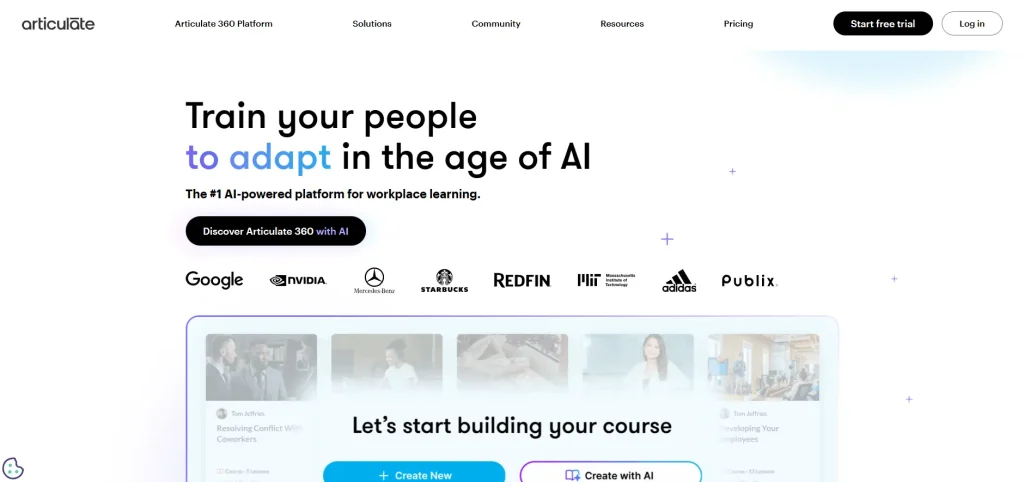
Articulate 360 Website Landing Page
Cost – 4/5
Articulate 360 is subscription-based at around $1,199 per author per year, with optional AI add-ons. The cost is high relative to some competitors, but it reflects access to the full suite, regular updates, and extensive content libraries. For teams, licensing can add up, but the comprehensive functionality often justifies the investment.
Ease of Use – 4/5
The suite offers both simplicity and complexity. Rise 360’s drag-and-drop editor makes course creation fast and beginner-friendly, while Storyline 360 provides a deep toolset that requires a learning curve for complex projects. This dual approach allows both new users and experienced instructional designers to create professional courses effectively.
Course Quality – 5/5
Articulate 360 excels in producing high-quality courses with responsive layouts, rich multimedia, and advanced interactions. SCORM- and xAPI-compliant outputs ensure compatibility with virtually any LMS. Templates, prebuilt interactions, and multimedia assets streamline production while maintaining professional standards.
Feature Set – 5/5
Articulate 360 offers one of the most complete feature sets on the market. Storyline 360 supports advanced branching scenarios, variables, triggers, custom interactions, software simulations, and complex assessments. Rise 360 adds fully responsive, web-based course creation using prebuilt blocks for interactions, timelines, scenarios, and knowledge checks.
The suite also includes a large content library with templates, characters, icons, and stock imagery, plus built-in review tools for stakeholder feedback. Full support for SCORM, xAPI, AICC, and cmi5 ensures broad LMS compatibility.
Support and Community – 5/5
Articulate’s “E-Learning Heroes” community, comprehensive documentation, and live training resources provide exceptional support. Peer forums, webinars, and tutorials make troubleshooting and learning new features straightforward.
Adobe Captivate is frequently cited as the second most popular eLearning authoring tool, it’s known for its ability to generate responsive HTML5 content that adapts to any screen size without coding, leveraging AI and pre-built assets for faster development.
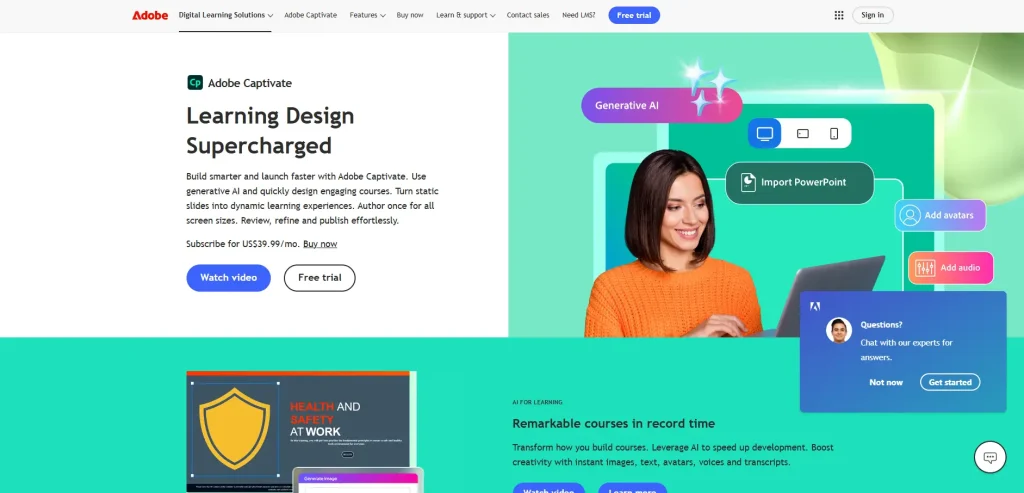
Adobe Captivate Website Landing Page
Cost – 4/5
Adobe Captivate offers both subscription (approx. $33.99/month) and perpetual license options. While slightly higher than mid-range tools, it delivers strong value for enterprises needing advanced interactivity and simulation-based courses.
Ease of Use – 3/5
Captivate’s interface is robust but complex. New users may find it overwhelming, though those with instructional design experience can leverage its depth for highly customized learning experiences. Templates and prebuilt assets ease some of the learning curve, but mastering advanced features takes time.
Course Quality – 5/5
Captivate produces highly professional courses, supporting software simulations, adaptive design, and accessibility standards. Its output is responsive across devices and includes interactive quizzes, branching logic, and multimedia integration for engaging learner experiences.
Feature Set – 5/5
Adobe Captivate is particularly strong in simulation-based training. It excels at screen recording, software simulations, step-by-step demos, and assessments that mirror real systems. Captivate supports responsive projects, advanced interactions, branching logic, and conditional actions. It also includes VR and 360-degree media support, allowing authors to build immersive learning experiences beyond traditional slide-based courses. While powerful, many features require deeper technical knowledge, which can slow development for non-specialists.
Support and Community – 5/5
Adobe provides a well-documented knowledge base, tutorial videos, and active forums. Community contributions, blogs, and webinars further support users in learning advanced features and troubleshooting issues.
iSpring Suite is a PowerPoint-based authoring tool that combines accessibility with robust course functionality. It’s ideal for teams already familiar with PowerPoint who want professional-quality e-learning quickly.
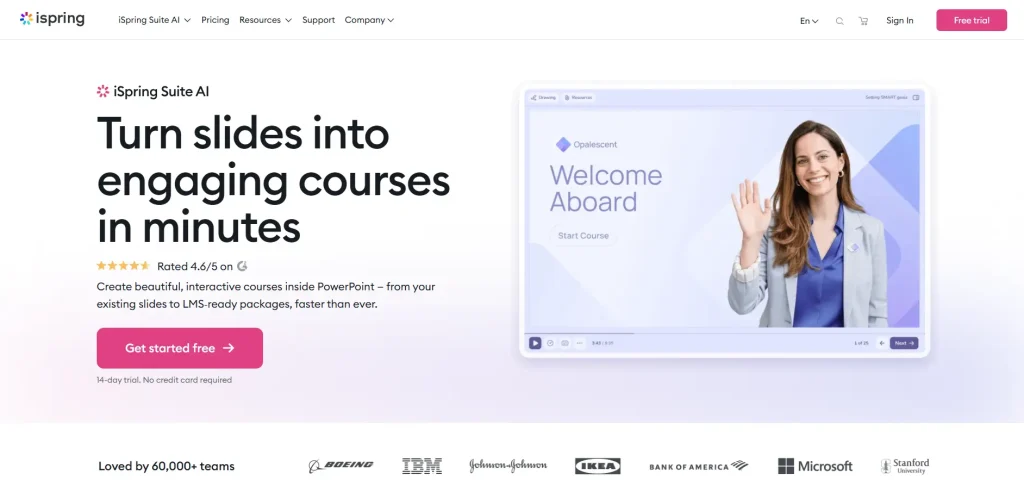
iSpring Suite Website Landing Page
Cost – 4/5
iSpring offers an affordable annual subscription (approx. $970/author/year) with a strong balance of features and value. Compared to enterprise suites, it’s cost-effective for both small and mid-sized organizations.
Ease of Use – 5/5
Because it integrates directly into PowerPoint, iSpring is extremely beginner-friendly. Teams can quickly convert existing presentations into e-learning courses while adding interactivity, quizzes, and multimedia without complex training.
Course Quality – 4/5
iSpring produces SCORM-compliant courses with polished multimedia, dialogue simulations, narration, and interactive role-play. While it lacks the deep customization of Storyline or Captivate, the output is professional and learner-ready.
Feature Set – 4/5
iSpring Suite focuses on rapid course creation with reliable outputs. Key features include quiz builders, dialogue simulations, screen recording, video lectures, and interactive role-play scenarios. Because it operates inside PowerPoint, it supports fast conversion of existing presentations into SCORM-compliant courses.
iSpring also offers content libraries, character-based interactions, and mobile-friendly playback. However, it lacks the deeper logic control and custom interactivity found in tools like Storyline or Captivate.
Support and Community – 5/5
iSpring provides excellent support, including live chat, instructional webinars, and regular updates. Its active user community offers additional troubleshooting and learning resources.
Easygenerator emphasizes simplicity, speed, and collaboration. It’s designed for subject matter experts who need to create responsive courses without technical skills.
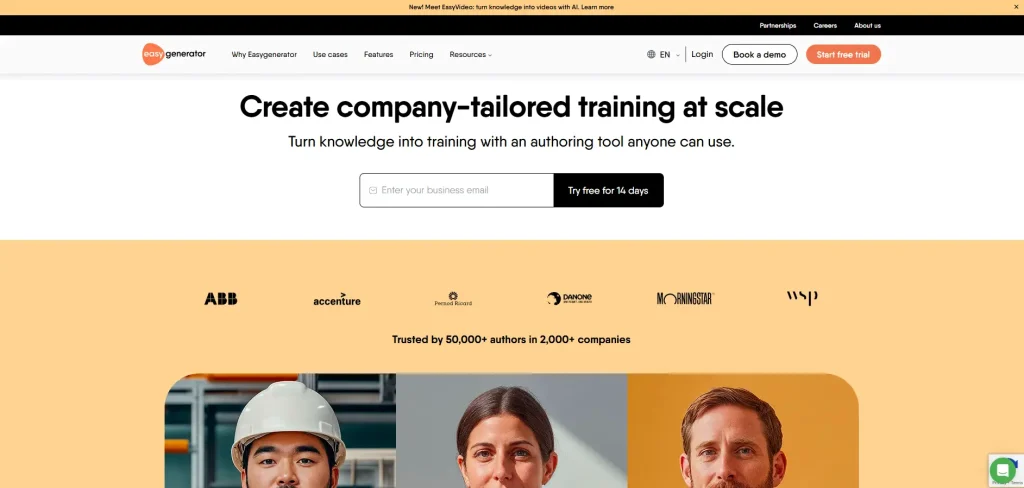
Easygenerator Website Landing Page
Cost – 5/5
Subscription plans start around $99/month, making it cost-effective and scalable for small to mid-sized teams. Hosting is included, reducing infrastructure costs.
Ease of Use – 5/5
Its drag-and-drop editor, prebuilt templates, and intuitive interface allow non-technical users to quickly build e-learning courses. Version control and collaborative editing further simplify multi-author workflows.
Course Quality – 4/5
Easygenerator produces visually appealing, responsive courses suitable for modern delivery. While it lacks complex simulations, it covers standard interactivity, quizzes, and media integration well.
Feature Set – 4/5
Easygenerator prioritizes speed and collaboration. It includes quizzes, knowledge checks, drag-and-drop content creation, responsive layouts, and media embedding. Multiple authors can edit simultaneously, with version control and review workflows. SCORM and xAPI exports are supported, with basic analytics. Advanced branching, simulations, and custom interactions are limited.
Support and Community – 4/5
Easygenerator provides fast support and a comprehensive knowledge base with tutorials and guides.
Gomo Learning is a cloud-based authoring tool optimized for collaborative, multi-author course development, responsive design, and multilingual deployment.
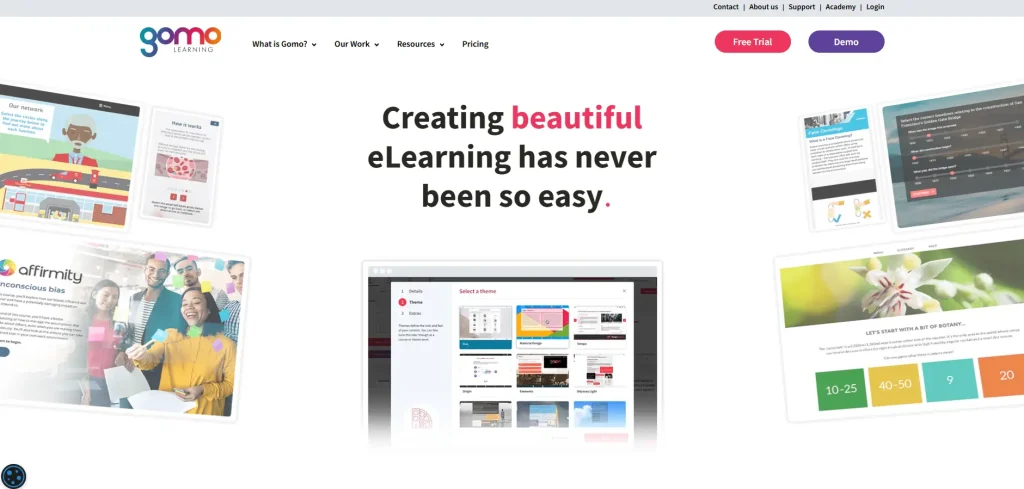
Gomo Learning Website Landing Page
Cost – 4/5
Gomo uses a cloud-based subscription model, which can vary based on team size and hosting. While pricing is higher for small teams, it provides value for organizations needing collaboration and multi-language capabilities.
Ease of Use – 4/5
The fully browser-based platform allows quick, installation-free course creation. Its interface is intuitive, and multiple authors can work simultaneously, streamlining workflow.
Course Quality – 4/5
Gomo delivers mobile-first, responsive courses compatible with multiple LMS platforms. Outputs are polished, with strong multimedia support, multilingual content, and analytics for tracking learner performance.
Feature Set – 5/5
Gomo supports multi-author collaboration, responsive design, centralized asset management, analytics, versioning, and role-based access. Courses can be published to multiple LMS platforms or hosted within Gomo. While flexible and scalable, it lacks the deep interactivity and advanced simulation capabilities of desktop-based tools like Storyline or Captivate.
Support and Community – 4/5
Gomo provides responsive technical assistance, a structured help center, and an expanding user community. Team collaboration and enterprise-focused documentation are strengths.
Each authoring tool excels in different areas. Articulate 360 and Adobe Captivate are best for organisations needing deep customization and advanced interactivity. iSpring Suite offers strong balance of ease and capability at a competitive price. Easygenerator is ideal for rapid, user-friendly creation by SMEs and small teams. Gomo Learning stands out for cloud collaboration and multilingual, responsive course design.
Select a tool based on your budget, technical expertise, and training goals, and consider trialing options before committing to a licence.
It’s also important to consider whether you plan to create courses in-house or work with a professional e-learning provider (like SHIIFT). In-house development gives you more control, faster iteration, and potentially lower ongoing costs, but it requires time, expertise, and a capable authoring tool.
Professional providers can deliver polished, highly interactive courses quickly and handle complex instructional design, but their services come at a higher price and may involve less direct control over content. Balancing these factors will help you select the tool or approach that best meets your organization’s training needs.
If you’re interested in a professional e-learning provider, look no further. Contact us for an inquiry.
Deliver next generation training. Get in touch.
Email us at hello@shiifttraining.com or send
us a message and we’ll be in touch within 48hrs.